


Another big batch of work since the last update. This time the focus was on giving admins real tools to manage the forum, adding private messages, Discord linking, and making the server box show a lot more of what's actually happening in-game in real time.
NEW
Admin Panel: Sections & Subsections
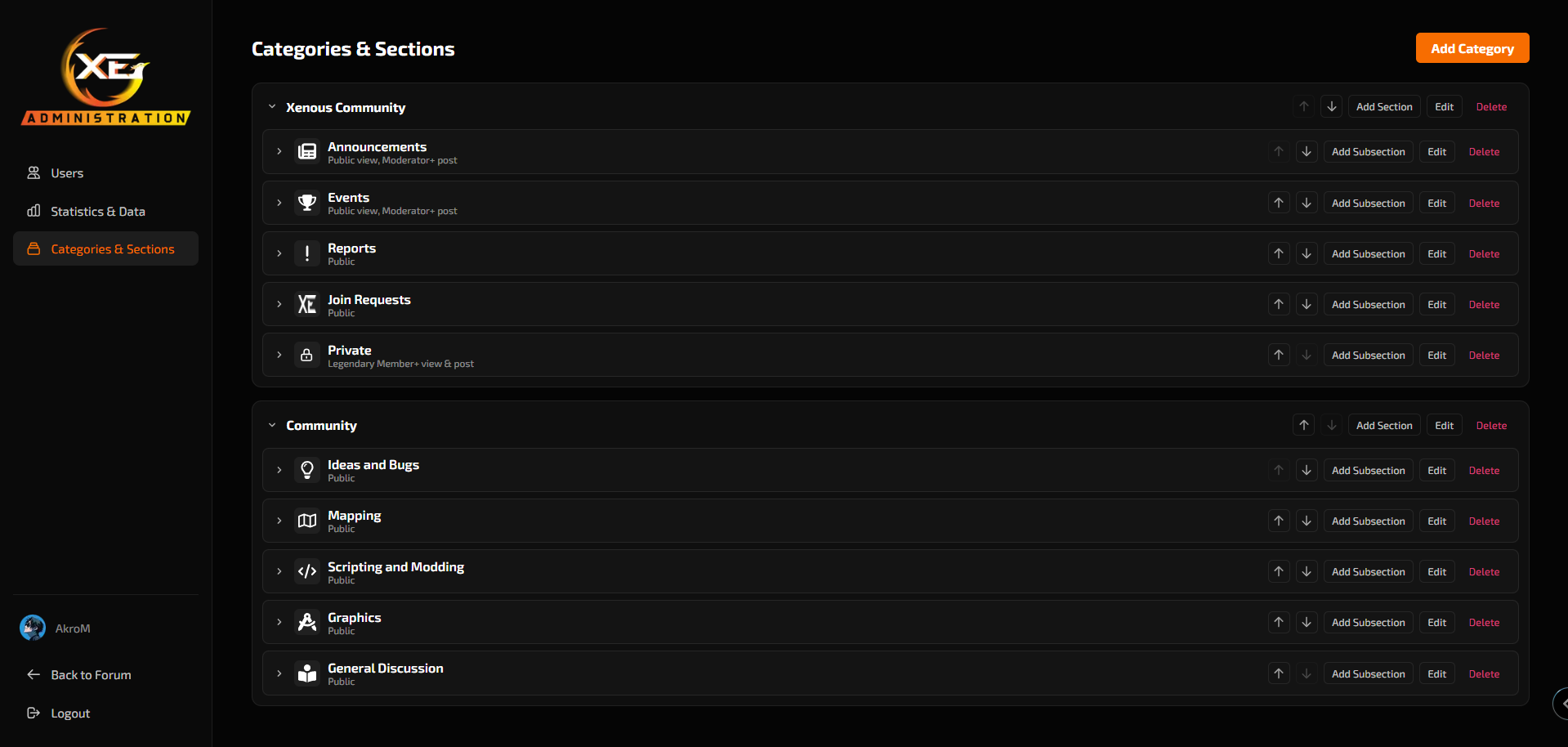
The third admin panel tab is here — the one that was on the roadmap in the last post. The whole forum structure can now be managed from there, no code required:
Create, edit, reorder, and delete categories, sections, and subsections straight from the panel.
Visual icon picker — a searchable grid with dozens of icons, instead of having to type a name blind.
Per-section permissions, split into two: who can view it and who can post in it. A section can be public to view but only open to a certain rank for creating threads, or fully invisible except to higher ranks.
Restricted sections show up with a lock icon in the listing instead of disappearing entirely — you can see it exists, you just can't get in without the right rank.
NEW
Private Messages
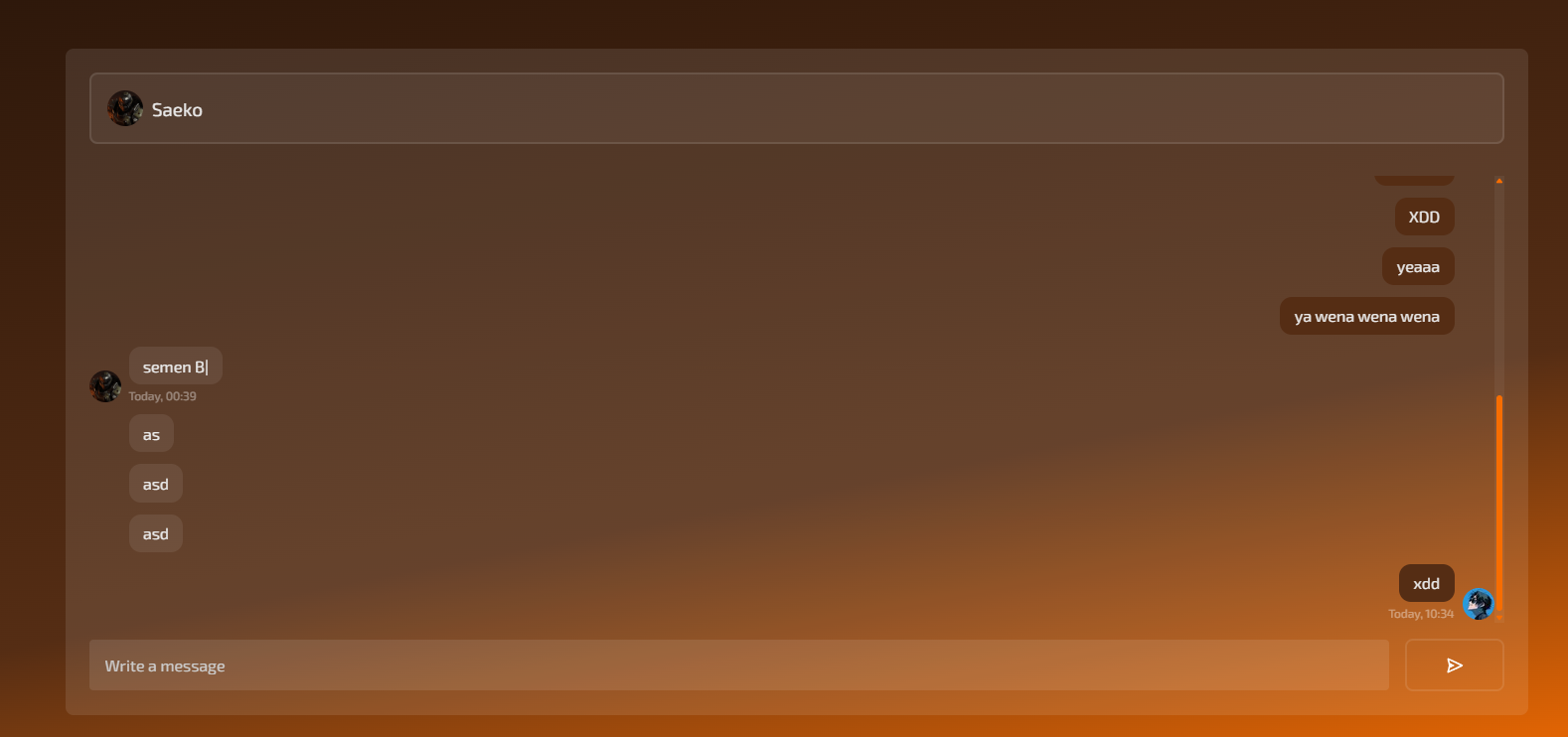
Another item from the previous roadmap, now live: you can now DM any member directly.
A Message button on anyone's profile (same spot where you'd see your own Edit Account button).
An inbox with all your conversations, each showing the other person's avatar.
Inside a conversation, avatars and timestamps group up like WhatsApp — they don't repeat on every message in a row from the same person, and reappear once time passes or someone else jumps in.
You get a notification when someone messages you.
NEW
Connect Your Discord Account
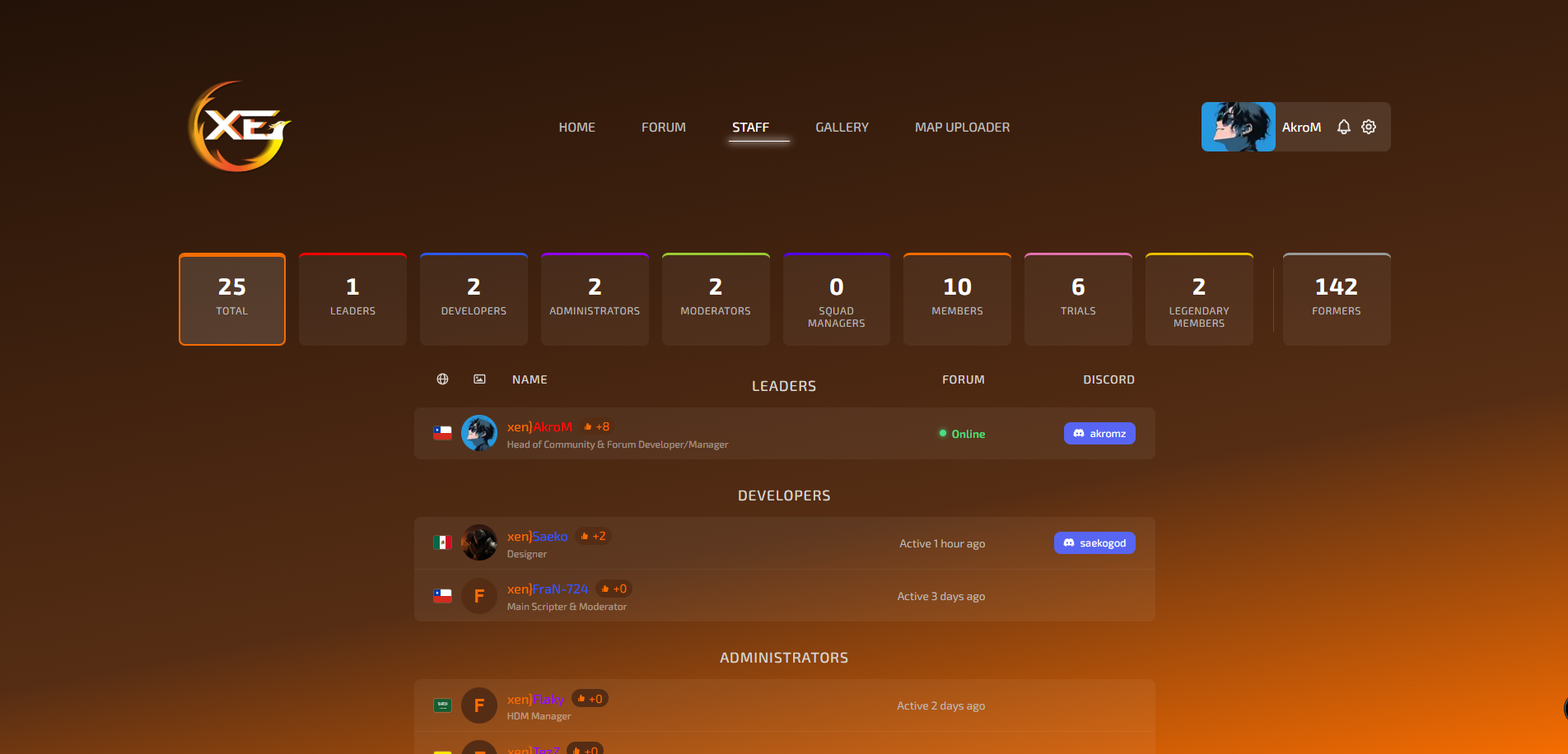
Also from the last roadmap — you can now link your Discord account to your Xenous account:
A Connect Discord button on your profile and on the quick-login card on the home page.
Once connected, your Discord username shows up as a tag next to your name — on your profile, on others' profiles, and in the staff list.
Hovering over that tag reveals a button to copy your Discord username straight to clipboard.
You can disconnect it anytime from your profile, and staff can also disconnect someone's Discord link from the admin panel if needed.
LIVE
Deeper MTA Server Integration
The last item on the previous roadmap, now working live:
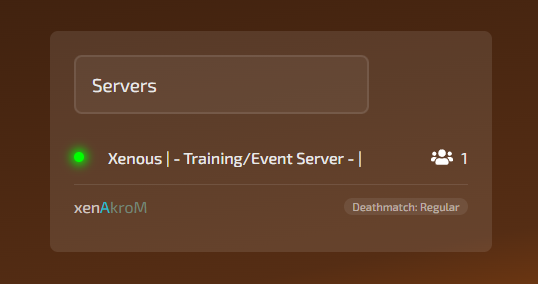
The connected player list now shows real in-game name colors exactly as they're set in-game (using
#RRGGBBcodes), not a stripped, colorless version.Each player shows which room they're currently in on the server.
UPDATE
Other Fixes & Improvements
When the MTA server is offline, it now shows a "Server Offline" label next to the red dot instead of leaving it blank — another item off the previous roadmap, done.
Delete confirmation popups (for threads and replies) now use the site's own styled dialog instead of the browser's plain, generic one.
The admin panel now has buttons to remove a member's profile or cover picture directly, without them having to do it themselves.
Fixed an avatar that looked squished/distorted in a section's thread list.
Several small font-size fixes left over from an earlier change (connected player names, breadcrumbs, the likes counter on the staff page, home page statistics).
The user-edit window in the admin panel is a bit wider now, so everything fits more comfortably.
That's everything for now. If something looks off or breaks, let staff know, and if there's something you'd like to see, this is a good place to say so.
Comments